Showing posts with label Cartridge - Old West. Show all posts

Tuesday, September 27, 2011

7 Days of Craft Fair - Day 3 - To Go Coffee Cups

I think these cups would go really well at a craft fair in Tucson. Yes - I did get my engineering degree from the University of Arizona - Go Wild Cats!

These coffee cups can be found at your local Dollar Tree. Embellish them with vinyl and you're all set for your craft show. Be sure to put hand wash only on the note you put on the inside - that way the vinyl will stay on for a long time.

I used Old West Cricut cartridge and vinyl to complete this coffee cup. I used my gypsy to weld the Bear Down shadow and cut the letters out at 1" (The welded shadow is 2" top to bottom). Then I applied the vinyl using transfer tape. Of course you don't need to do that - I just prefer to use it.

You can buy vinyl on Amazon here.  It's about .50 per 6"x12" sheet, and you can make a lot of coffee mugs for cheap this way!

Today's Craft Fair Tip: Items that represent a local college or highschool will grab the attention of the locals who are shopping. Unique items that they can't buy in the store will most likely sell well!

Saturday, November 6, 2010

Customized Basketball Bank using Old West Font

Ashton's new Basketball Bank came from the Goodwill today.  I hopped over there for the 50% off sale and found this basketball piggy bank.  It was pretty much brand new as you can tell and it was only $1.50.  I brought it home and put some vinyl lettering on for him using the Old West Cricut Cartridge.  He loved it!


Cartridges I used:


Saturday, October 9, 2010

Disney Shirts Made With Heat Transfer Vinyl

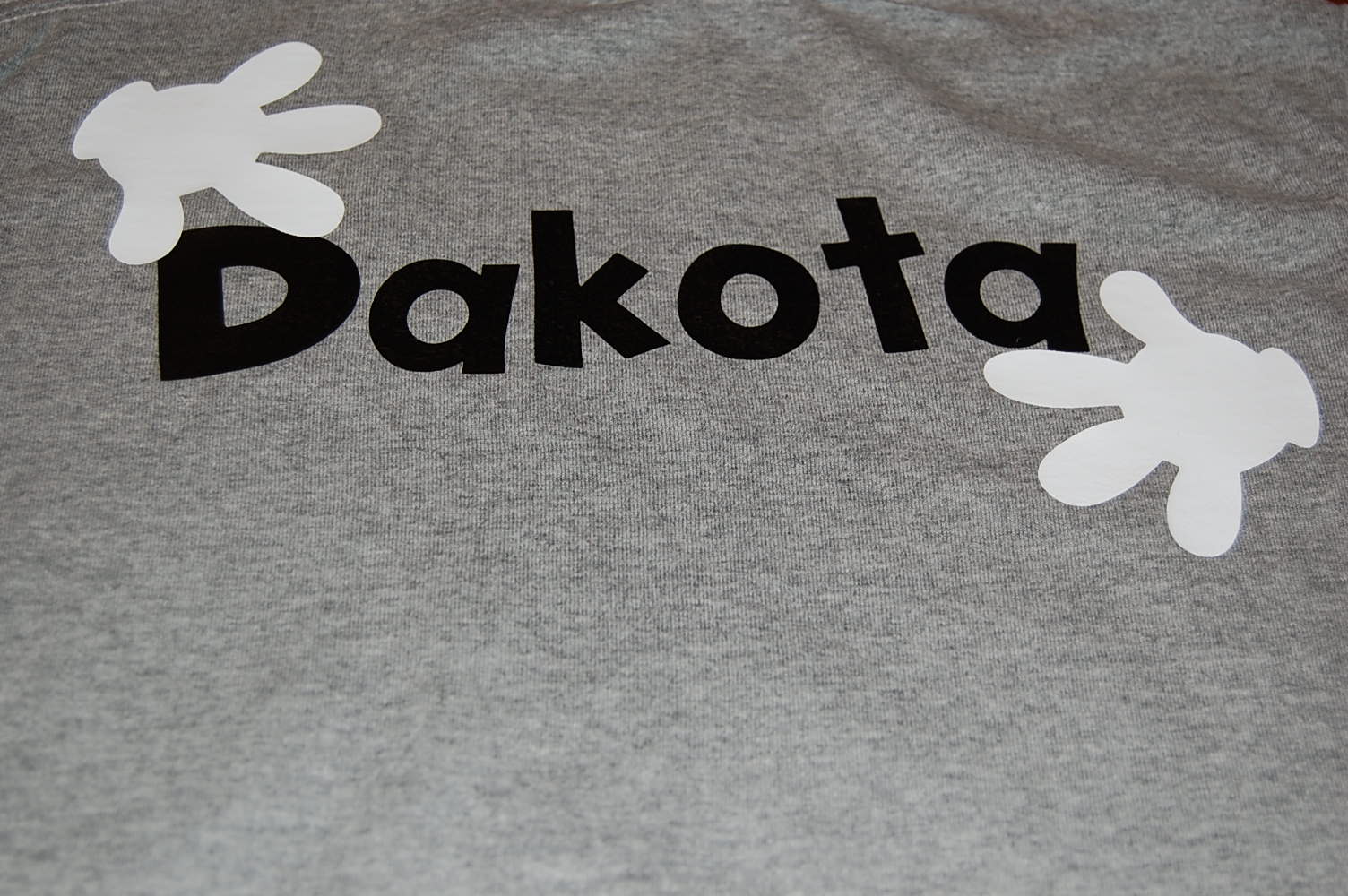
Here are some shirts I made for our upcoming trip to Disneyland.  I used Disney Font for the letters and gloved hands, Disney Character and Friends for the characters, Indie Cart for the bio hazard sign, Old West for the barbed wire, and Campout cartridge for the fire.  Quick instructions at the bottom of this post.


Quick How to:
Place the vinyl in the circut at 3x3x3 settings. Vinyl should be dull side up.
Flip the image you want to cut using the cricut expression flip function.
Cut.
Weed (or peel) off the excess vinyl that you don't want.
Iron on the shirt - glossy side up about 10-15 seconds.
Peel off the glossy layer on the vinyl.

Cartridges I used: